
Windows
Recommended for your computerEverabyte for Windows
Protect your documents, photos, and work folders with automatic cloud backups running quietly in the background.
Available
- Version
- 1.6.2+72
- Architectures
- x64
- Download size
- 12.4 MB
- Published
EVERABYTE DESKTOP APPS
Simple, secure backup for your computer.
Keep your important files protected with Everabyte Desktop Backup. Select your folders, configure automatic backups, and manage everything from one easy-to-use application.
Download links appear only when a validated release is available. Check each platform’s current status below.
Windows
Recommended for your computerProtect your documents, photos, and work folders with automatic cloud backups running quietly in the background.
Available
macOS
Recommended for your computerKeep your important files protected with an intuitive desktop backup application designed for your Mac.
Available
Linux
Recommended for your computerProtect your important directories with scheduled or on-demand backups, managed through a straightforward desktop application.
Available
Once a validated release is available, follow these steps to get started.
Choose the version for your operating system and install Everabyte Desktop Backup on your computer.
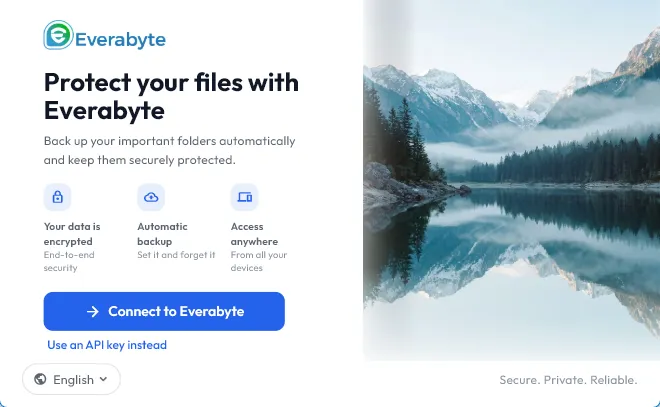
Sign in with your Everabyte account or use your authorised API credentials to connect securely.
Select the folders you want to protect, configure your backup schedule, and let Everabyte handle the rest.
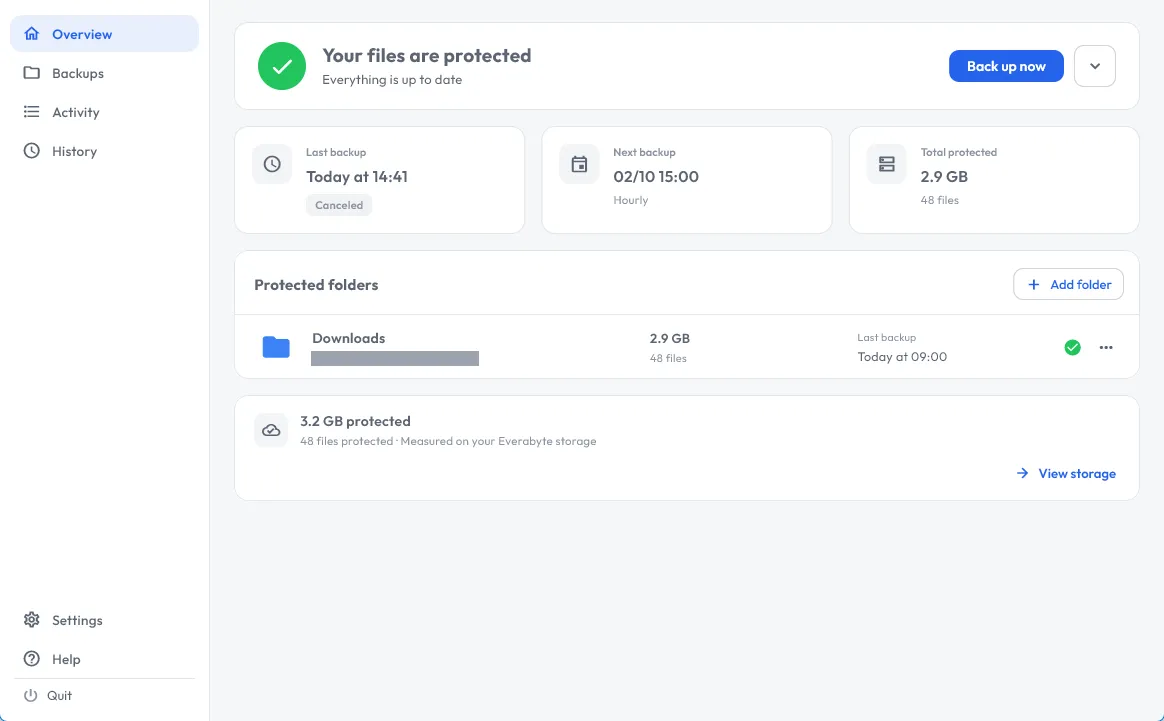
Everabyte keeps your backups easy to manage, whether you’re protecting personal documents or important business files. The supplied desktop build shows these controls.
Configure scheduled backups or start a backup on demand.
Select the folders you want to back up from your computer.
Review backup activity and history from the dashboard.
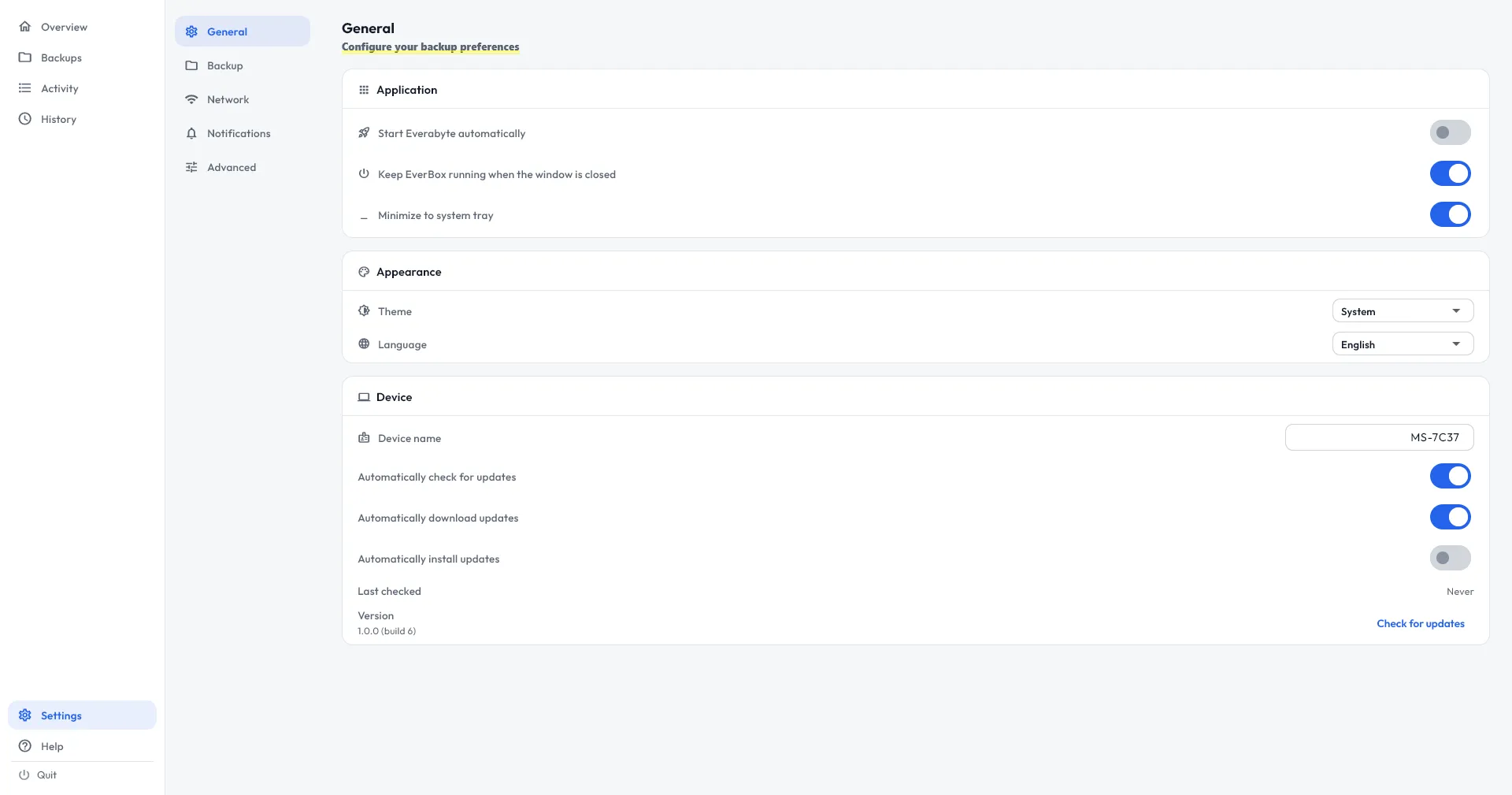
Manage background-operation preferences in the application settings.
Access your protected files in Everabyte cloud storage.
Review application-update preferences in settings. Update behaviour depends on the available build.
Everabyte Desktop Backup is a desktop application for backing up selected folders to Everabyte cloud storage. The supplied build includes scheduling controls and backup activity history.
Windows has a dedicated platform panel on this page. A download is enabled only after a public Windows release has been validated; otherwise, the panel shows Coming Soon.
The macOS application is intended for backing up selected folders from your Mac. Check the macOS panel for a validated release and its supported system requirements before installing.
Linux has a dedicated platform panel. Installer formats, system requirements, and the download link appear for a validated Linux release; otherwise, the panel shows Coming Soon.
In the desktop application, select your folders and configure a backup schedule. The supplied build also shows controls for starting a backup on demand.
You need an Everabyte account to connect to your cloud storage. The login screen also offers connection using authorised API credentials.
Choose your operating system on this page. When a validated release is available, its panel provides the download link and verified release details. Coming Soon means no validated public installer is available yet.
Create your Everabyte account and read the setup guidance while you check release availability.